Mounting a TV on the wall? What to check before booking
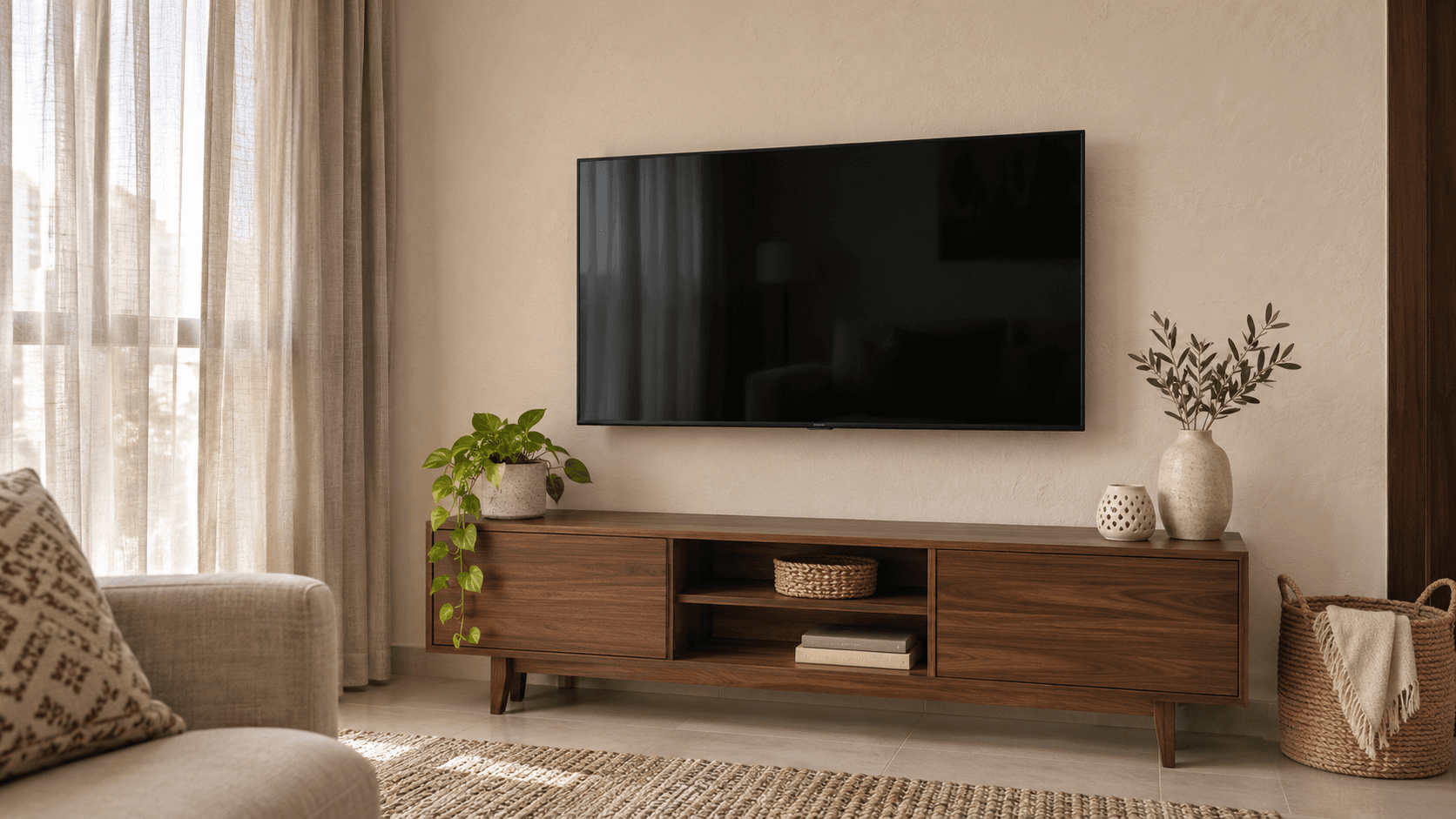
Before you buy a TV bracket, sit where you usually watch. Look at the wall, the window opposite it, and the console below. The best spot in a product photo can be too high for your sofa or too tight for the receiver cable. A few checks from your seat can save a second visit or a bracket return.
Send the exact TV and bracket models, a wide photo of the wall and sockets, and a list of the devices you want connected.
Plan the setup before your next match
The Saudi Pro League’s 9 November calendar update places Roshn Saudi League matchweeks 13 to 21 between 26 November 2026 and 30 January 2027. If you’re setting up the living room for a match, check the league’s latest fixture time before planning around it. Give yourself time to try the receiver or streaming app from the seats people will use, especially if you’re moving the TV to a new wall.
Choose the position from the sofa
Use a paper outline or removable marks suitable for the wall finish to see roughly where the screen would sit. Check the view from the main sofa and from the side seat that usually fills up when friends come over. Try it at the time of day you watch and look for reflections from windows and lamps. Samsung’s mounting guidance suggests using seated eye level as a starting point. Make room below for the console and soundbar, and ask the installer to follow the TV’s ventilation clearances.
Match the mount to the exact TV model
Send the model number from the box, order confirmation or manual. Include the screen size, weight without the stand and mounting-hole spacing if the manual lists them. The spacing is often shown as a VESA pattern. A bracket’s advertised screen-size range is only one check. The installer should also verify its load rating, hole pattern and any model-specific fittings against the manuals for the TV and mount. If you already own a bracket, send its model or a photo of the label rather than guessing from its shape.
Show the wall and let the installer assess it
Take one wide photo showing the floor, console, wall and nearby sockets. Mention anything you already know about the wall, such as a decorative panel over the original wall, an old mount, or sockets on the other side. A photo helps the installer prepare, but it can’t confirm what’s behind the finish or whether the wall will support the mount. Leave drilling and fixing choices to the installer. If the wall needs the landlord’s approval, check that before the visit.
Decide where the receiver and cables will go
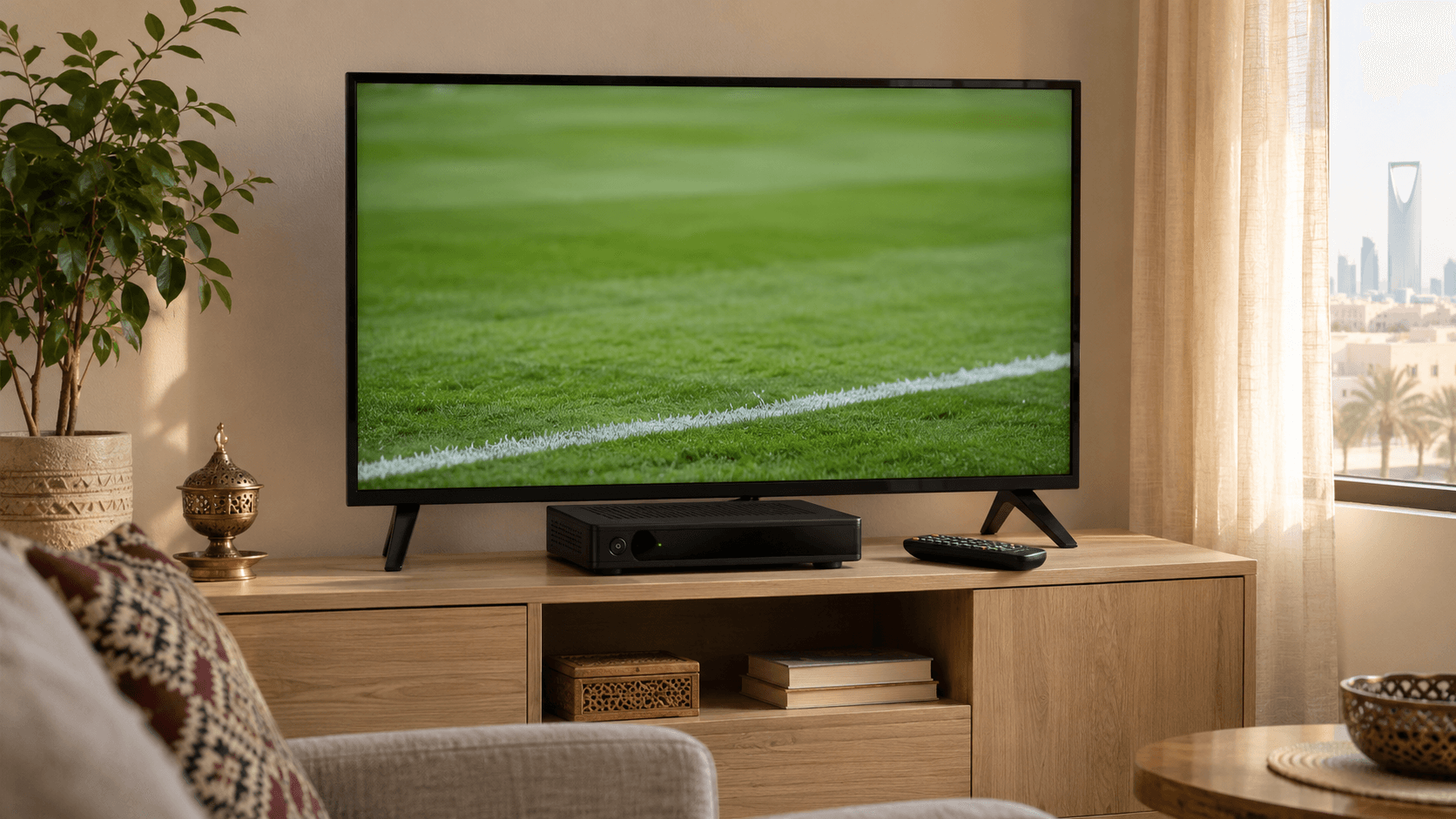
List what connects to the screen, including a satellite receiver, game console or soundbar. Ask whether the plugs and ports will be reachable once the screen is mounted. For example, if the receiver will sit inside the cabinet, check how you’ll use its remote and reach its connections. Agree on whether cables will be visible or covered and discuss any new power point with an electrician. Ask what the quote covers if you need a bracket supplied, an old screen removed or devices reconnected.
Confirm the scope and test your usual inputs
Check the size and scope on Tasko’s small TV wall mounting listing. If your TV or bracket is outside the listing’s scope, describe the setup before booking. Before the installer leaves, sit in your usual spot and check the inputs you agreed to connect, including sound if you use a soundbar. For details worth sending ahead, see our guide to preparing for a home-service visit.